Style 01Make this
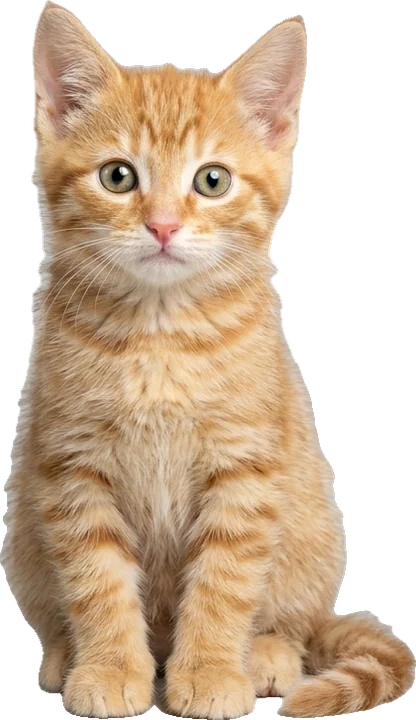
Cat Tweenslop
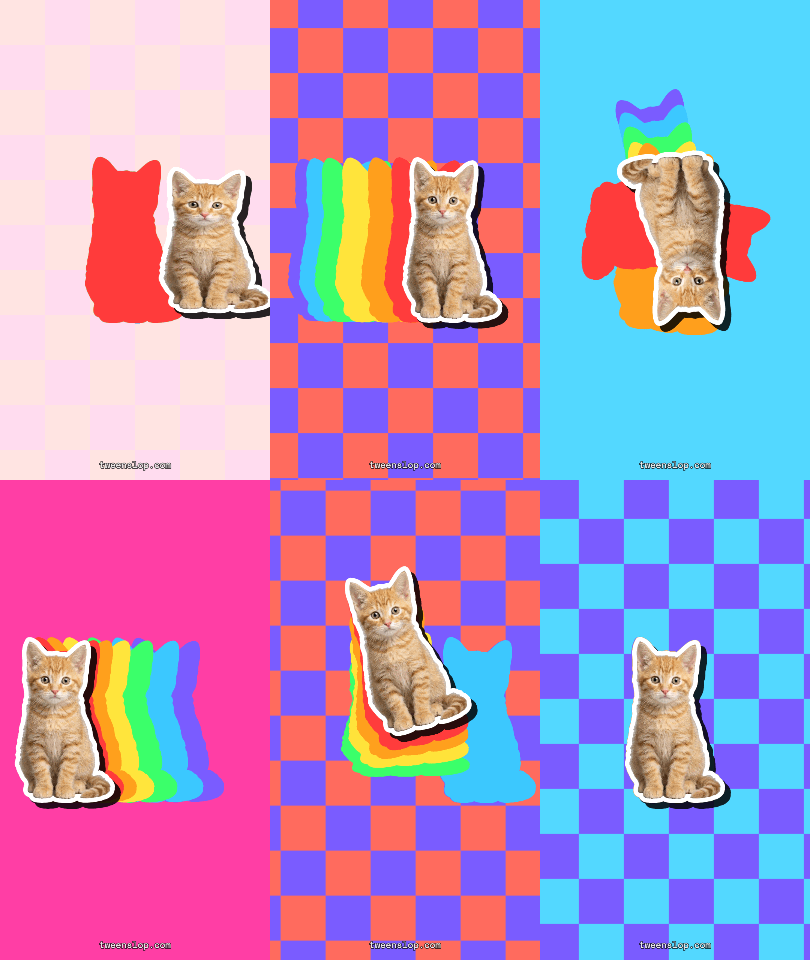
Your cat as a sticker sliding through a rainbow trail.
Tweenslop GIF maker
01 ·Make the GIF
GIF-only export is on by default here. Tick MP4 too if you want the video with sound.
Pets, people, OCs, Roblox avatars, snacks — one clear subject works best.
or drop it here · JPG, PNG, WebP, HEIC · max 10MB
Motion, beat and layout. The preview updates live.
Rendered on your device. Only the photo is sent for background removal.
Free exports carry a small tweenslop.com mark. Sign in free to remove it.
Max slop · 150 BPM · 10s · 9:16
02 ·Free downloads
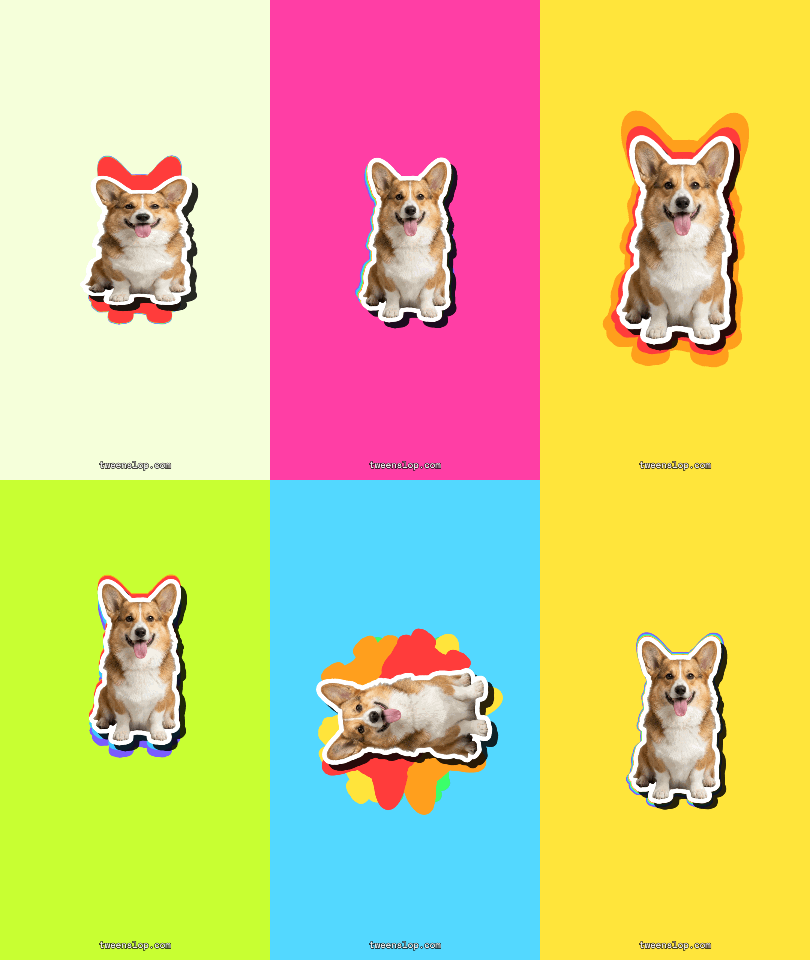
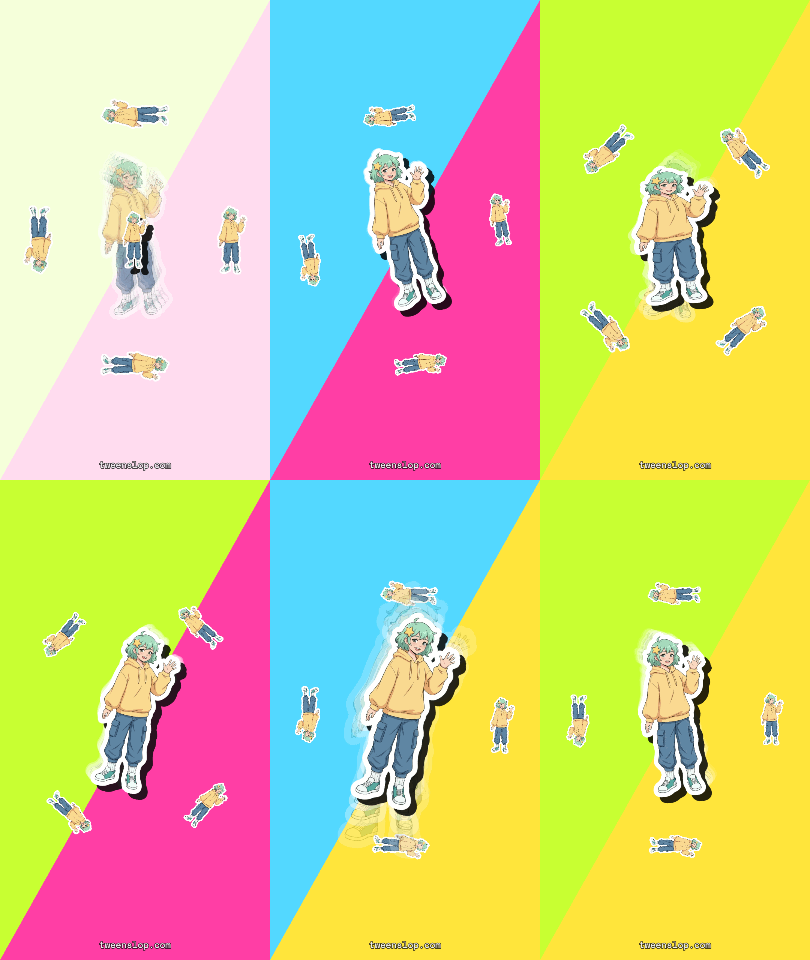
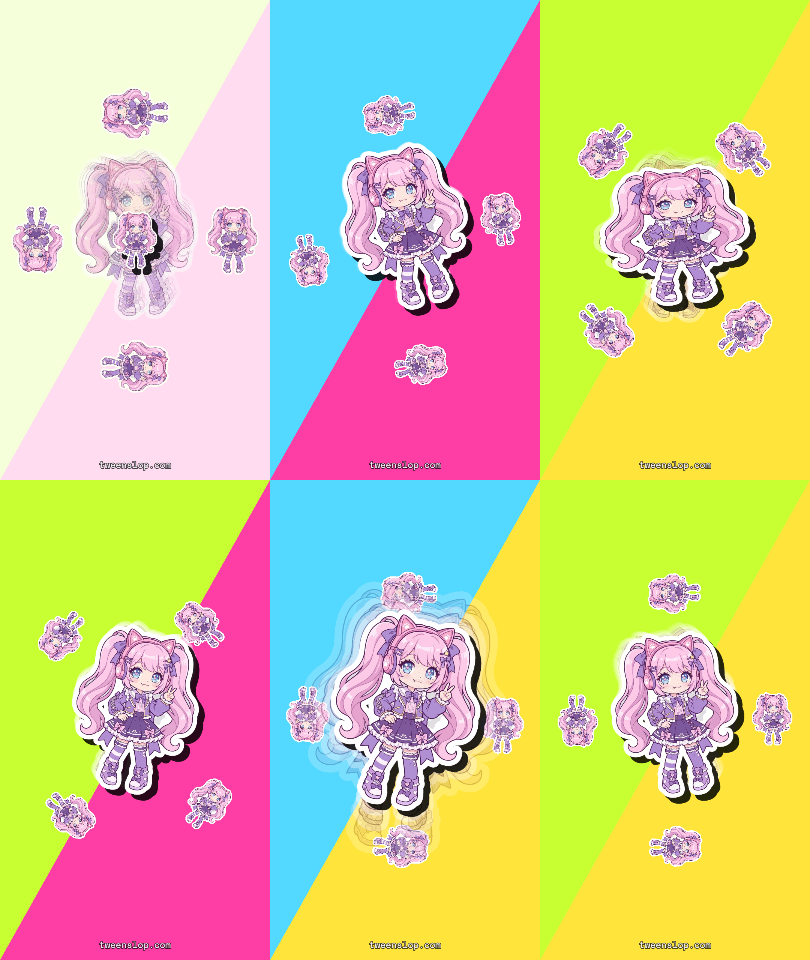
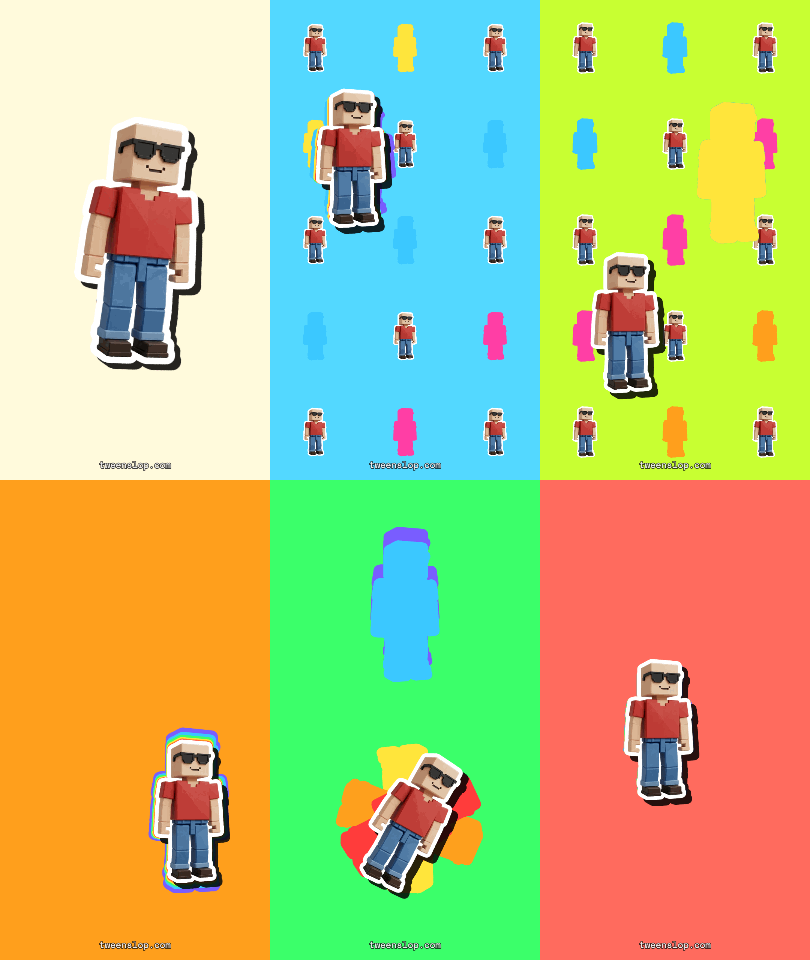
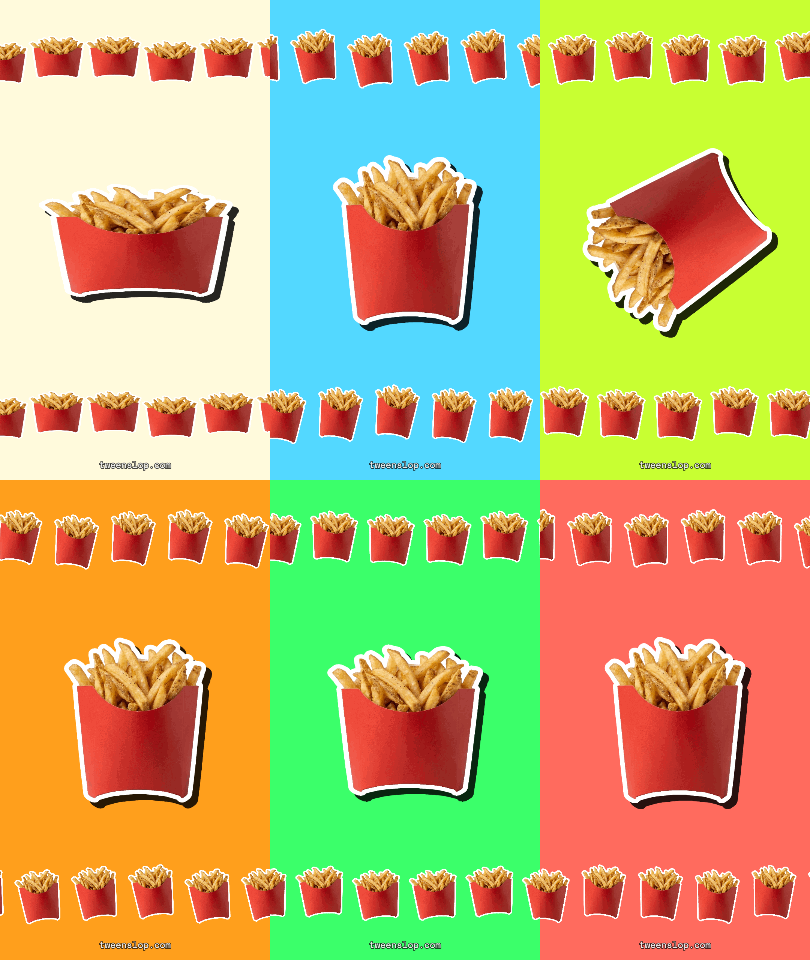
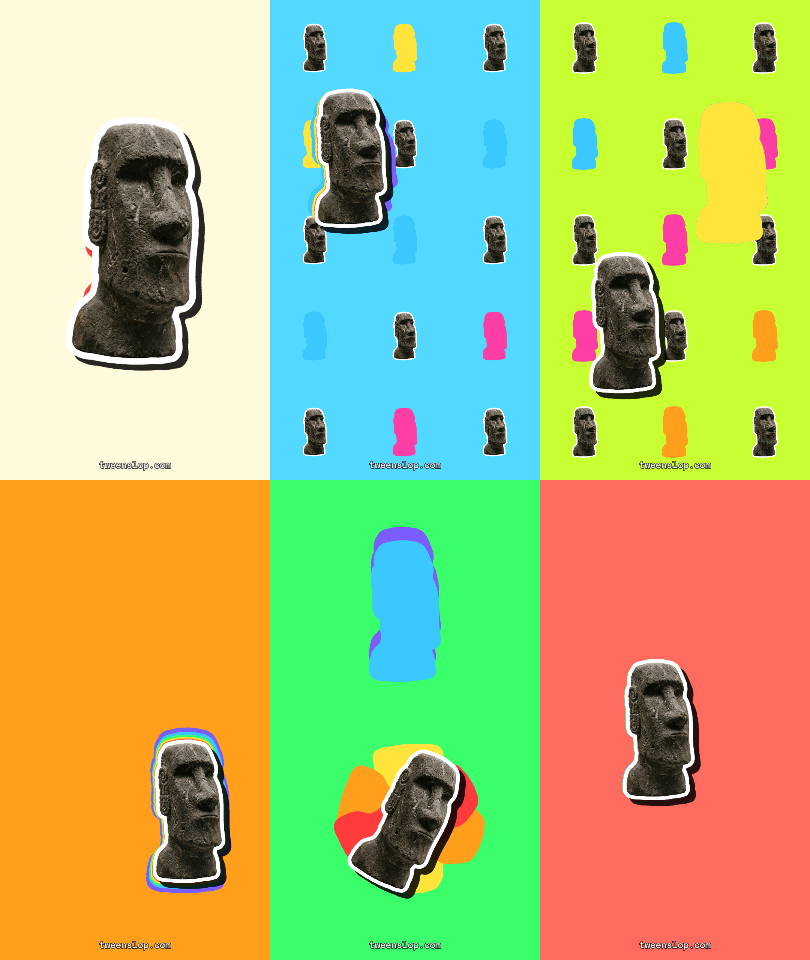
Ready-made loops rendered with the maker. Save one for your comments, or open the template to make the same GIF with your own photo.

Step-by-step: how to make a tweenslop GIFGIF or MP4? Which format to post where
03 ·Pick a style
Each template opens the maker with a motion style and a demo sticker loaded. Swap in your own photo.
Your cat as a sticker sliding through a rainbow trail.
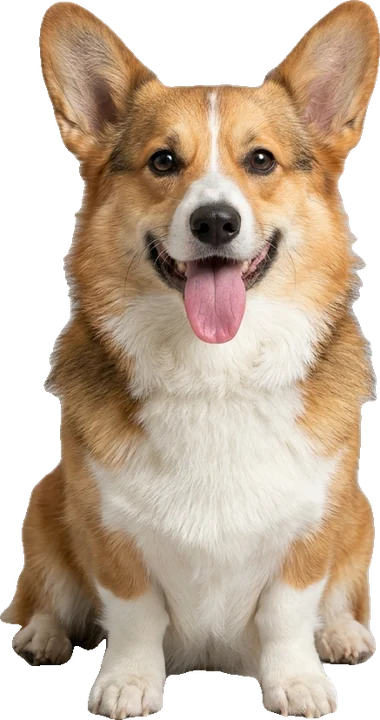
Bounce, squash and zoom your dog on the kick.
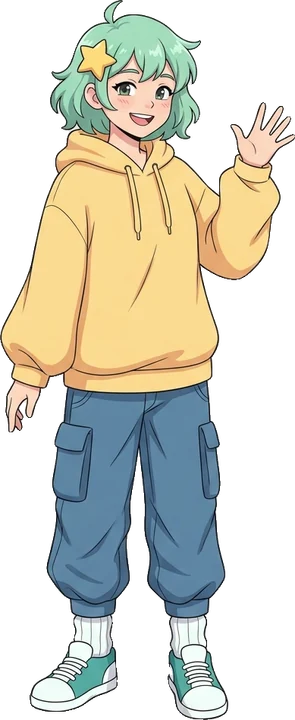
A head-bop dance for your original character.
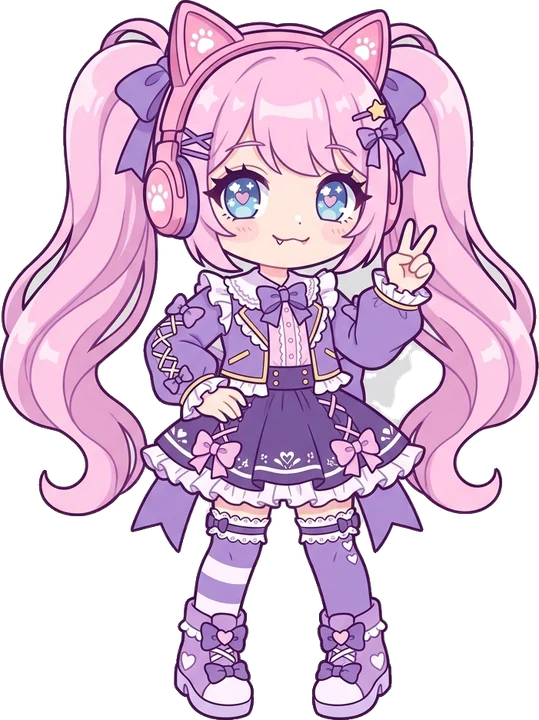
Gacha OC tilts and pops on the beat.
Questions
Free, in your browser, MP4 + GIF in one export.
Use only photos you have the right to use. Tweenslop is not affiliated with TikTok, ByteDance, Alight Motion or CapCut.