Make this
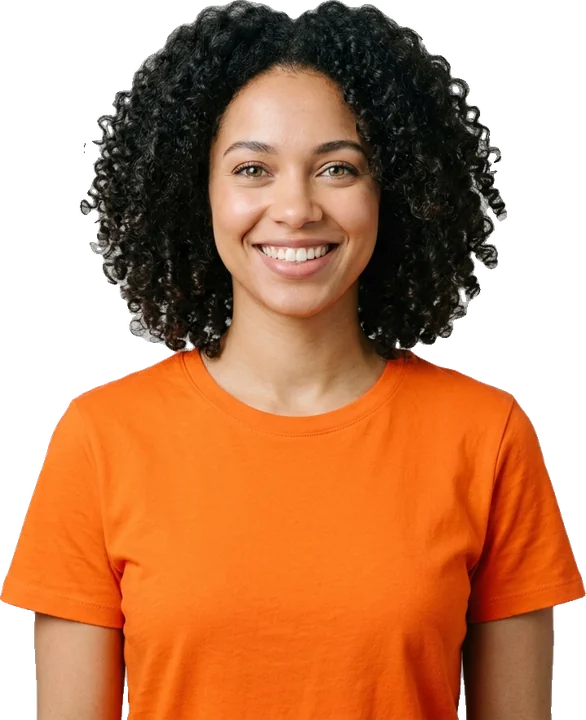
Selfie Tweenslop
Spin-cycle yourself (or a friend who said yes).
Tweenslop templates
01 ·Make it
Take an avatar screenshot on a plain background; the avatar editor works well.
Pets, people, OCs, Roblox avatars, snacks — one clear subject works best.
or drop it here · JPG, PNG, WebP, HEIC · max 10MB
Motion, beat and layout. The preview updates live.
Rendered on your device. Only the photo is sent for background removal.
Free exports carry a small tweenslop.com mark. Sign in free to remove it.
Max slop · 150 BPM · 10s · 9:16
02 ·About this template
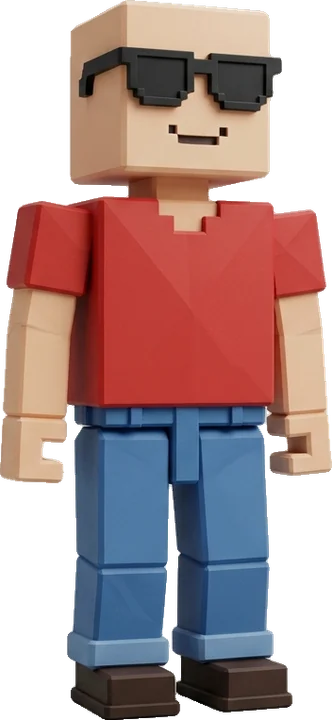
The Roblox tweenslop uses Max slop, the loudest style: hard cuts between moves, a grid of copies, rainbow trails, heavy camera shake and candy-colored flashes, all on the 150 BPM Turbo beat. It is built for blocky avatars that stay readable even when the frame goes wild.
Roblox avatars are a natural fit because they are designed to be recognized at a glance: a bold outfit and a simple face survive hard cuts and a grid of copies better than a detailed photo would. An avatar screenshot ends up looking like a full edit in seconds.
03 ·Photo tips
Take the screenshot in the avatar editor or on a plain part of a map, so the background is simple.
Show the whole avatar from head to feet; cropped feet look odd when the sticker jumps.
Hide the chat, leaderboard and other game UI before you take the screenshot.
Bright, high-contrast outfits stand out against the Max slop flashes better than all-black fits.
04 ·More styles
Spin-cycle yourself (or a friend who said yes).
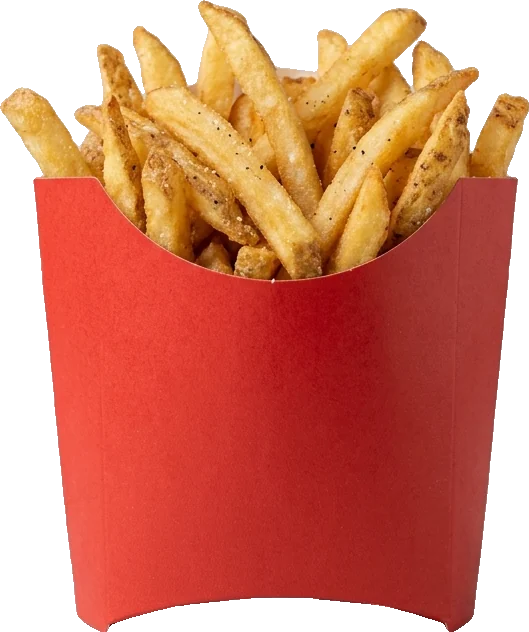
Rows of snacks sliding past on every beat.
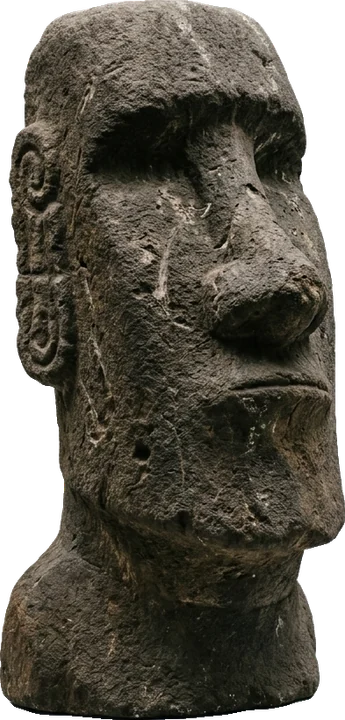
Meme faces and objects, maximum slop.
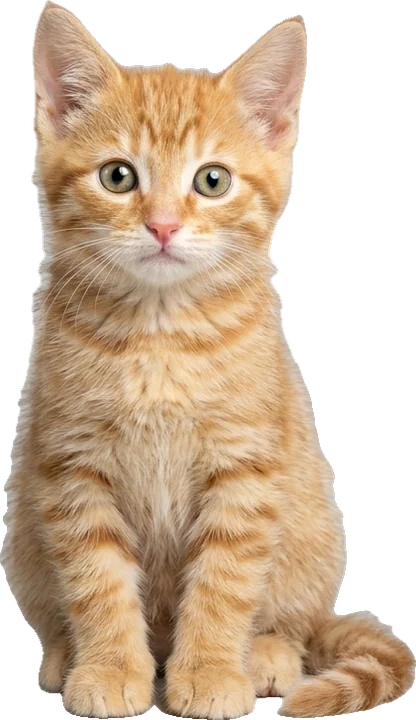
Your cat as a sticker sliding through a rainbow trail.
Questions
Free, in your browser, MP4 + GIF in one export.
Use only photos you have the right to use. Tweenslop is not affiliated with TikTok, ByteDance, Alight Motion or CapCut.